

Stream Without Borders: How to Bypass Geo-Blocks with PandaVPN
 Sharon
  2026.08.24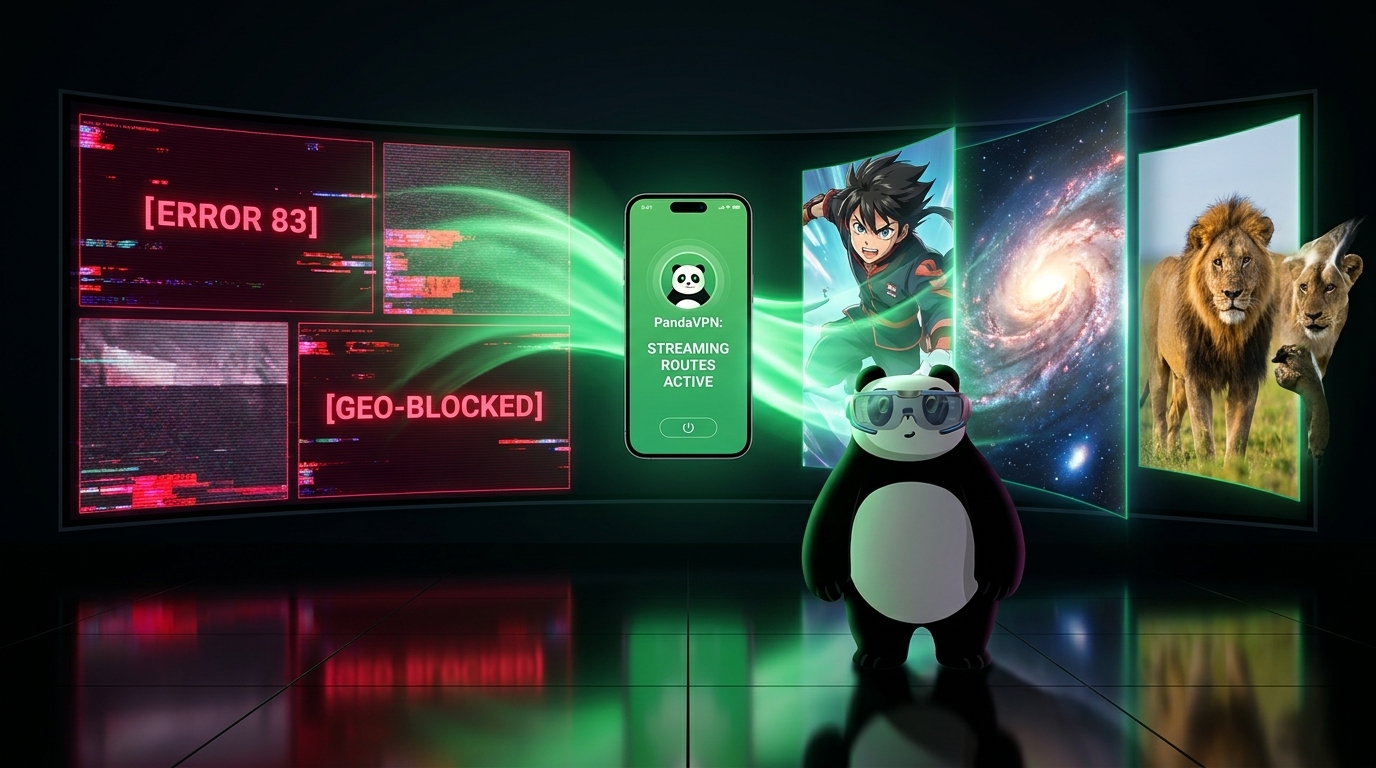
The internet promised a world without boundaries. Yet, when you try to explore global movies and shows on your Apple TV, PC, or smartphone, strict copyright walls and geo-blocking break the digital world into isolated zones.
Whether you want to unlock exclusive anime in Japan, stream the latest series on Hulu US, or watch award-winning documentaries on BBC iPlayer, you need a reliable connection strategy. As network security and digital privacy experts, we will skip the fluff and break down the specific restrictions of top streaming giants—and how PandaVPN uses advanced network engineering to help you bypass them effortlessly.

1. Understanding the Defense Tactics of Streaming Giants
Different platforms deploy different firewalls. To successfully bypass them, we must first understand how they detect and block users:
-
Netflix (The “Soft-Block” Stealth Mode): Netflix rarely displays a blunt “Proxy Error” anymore. Instead, it uses soft-blocking. If it detects a generic VPN, it hides all licensed third-party content and only shows you Netflix Originals (like Stranger Things). If your favorite local shows suddenly vanish from the search bar, you are being soft-blocked.
-
Disney+ (The Strict Blacklist): Disney maintains an aggressively updated database of commercial data center IPs. If you use a lower-tier VPN, Disney+ will completely block access, leaving you with infinite loading screens or the notorious Error Code 83.
-
Hulu (The Multi-Layered Lock): Hulu demands highly pure US residential-tier IPs. It simultaneously cross-references your IP location with device-level WebRTC broadcasts, making it one of the toughest platforms to crack.
2. The PandaVPN Blueprint for Seamless Global Unlocking
To fly under the radar of these streaming platforms, your connection needs the right technical setup. PandaVPN achieves this through three core technologies:
Patented Acceleration & Dedicated Streaming Routes
Standard data center IPs are blacklisted by streaming services almost instantly. PandaVPN solves this by offering optimized, dedicated streaming routes. By routing your traffic through high-cost, high-bandwidth premium nodes, your connection mimics that of a standard local home user, allowing you to pass through platform firewalls undetected.
High-Bandwidth Networks with ECC Encryption
High-definition streaming (4K Dolby Vision, HDR) requires immense data throughput. PandaVPN’s network backbone supports bandwidth speeds up to 10Gbps with absolutely no data throttling. Combined with ultra-secure, lightweight ECC encryption, your data is protected without the heavy hardware overhead that slows down traditional encryption protocols—ensuring smooth playback with minimal buffering.
True No-Logs Policy & Privacy Layering
Before launching your streaming app, local browser cookies and HTML5 location data can sometimes leak your real location. PandaVPN pairs its network with a strict No-Logs Policy. It clears your digital footprint on the server side, ensuring your browsing habits remain anonymous while preventing platforms from using historical tracking data to block your access.
3. Mid-Stream Troubleshooting: Emergency Fixes for Proxy Errors
Even with premium routing, streaming platforms occasionally roll out massive IP bans. If you encounter a loading error or a proxy warning mid-video, use this quick checklist to restore your stream:
-
Switch to a Companion Node: PandaVPN operates over 6,000 servers across 100 countries. If a specific server in the US or UK gets flagged, simply disconnect and switch to an alternate node within the same region. Our backend team constantly rotates IPs to ensure backup lines are active.
-
Prevent WebRTC & IPv6 Leaks: Some devices quietly leak your actual geographic coordinates via IPv6 or WebRTC protocols. Always ensure your device’s network settings or browser extensions are configured to block WebRTC leaks before opening your streaming platform.
-
Flush Your DNS Cache: Your operating system might store outdated location data in its DNS cache. Disconnect your network, flush your DNS cache (
ipconfig /flushdnson Windows or the equivalent terminal command on macOS), restart PandaVPN, and reload the platform.
Global streaming optimization is an ongoing game of cat-and-mouse between VPN developers and entertainment networks. No brand can honestly promise 100% permanent uptime on a single IP address.
However, PandaVPN features 24/7 technical operations. The moment a streaming IP is flagged, our engineers work to deploy clean routes and optimize routing, delivering one of the most stable and seamless digital border-crossing experiences on the market.
Choose your destination, connect with a single click, and enjoy a truly borderless entertainment experience.

Related Posts



Featured Posts